
GoL∞ (GoL Infinity)

How to Use
Basic Use
GoL∞ (GoL Infinity) lets you observe Conway's Game of Life on an infinite logical grid. When the app opens, it displays randomly generated live cells. Tap the Start button at the bottom of the screen to advance through the generations. At set generation intervals, groups of cells that meet the specified conditions are replicated, allowing the field to expand.
In Normal View, drag the screen to move the viewing area. Use the scale controls to zoom in or out, or to reset the viewing position and scale.
Bottom Control Buttons
1. Start / Stop
Starts or pauses the simulation. The button shows a play symbol while stopped and a stop symbol while running. Pausing keeps the current field and generation intact.
2. Restart
Discards the current field and creates a new one using Initial Field Size and Initial Live Cell Probability. The generation, total replications, total time, viewing position, and scale are reset, and the new simulation starts.
3. Display Scale
Shows or hides three scale buttons. These buttons reset the viewing position and scale, zoom out, and zoom in. They only change how the field appears and do not affect cell states or simulation progress.
4. View Mode
Switches between Normal View and Transformed View.
Normal View displays cells on a flat plane and lets you drag the screen to move the viewing area. Transformed View preserves each cell's direction from the center while compressing its distance from the center more strongly the farther away it is. This lets you see the overall distribution and growth of cells that would extend beyond the screen in Normal View.
Switching view modes does not change cell states or the current generation.
5. Information
Shows or hides the information panel. It displays Generation, Field Size, Total Replications, and Total Time. Whether the panel is shown is saved and restored the next time the app starts.
6. Settings
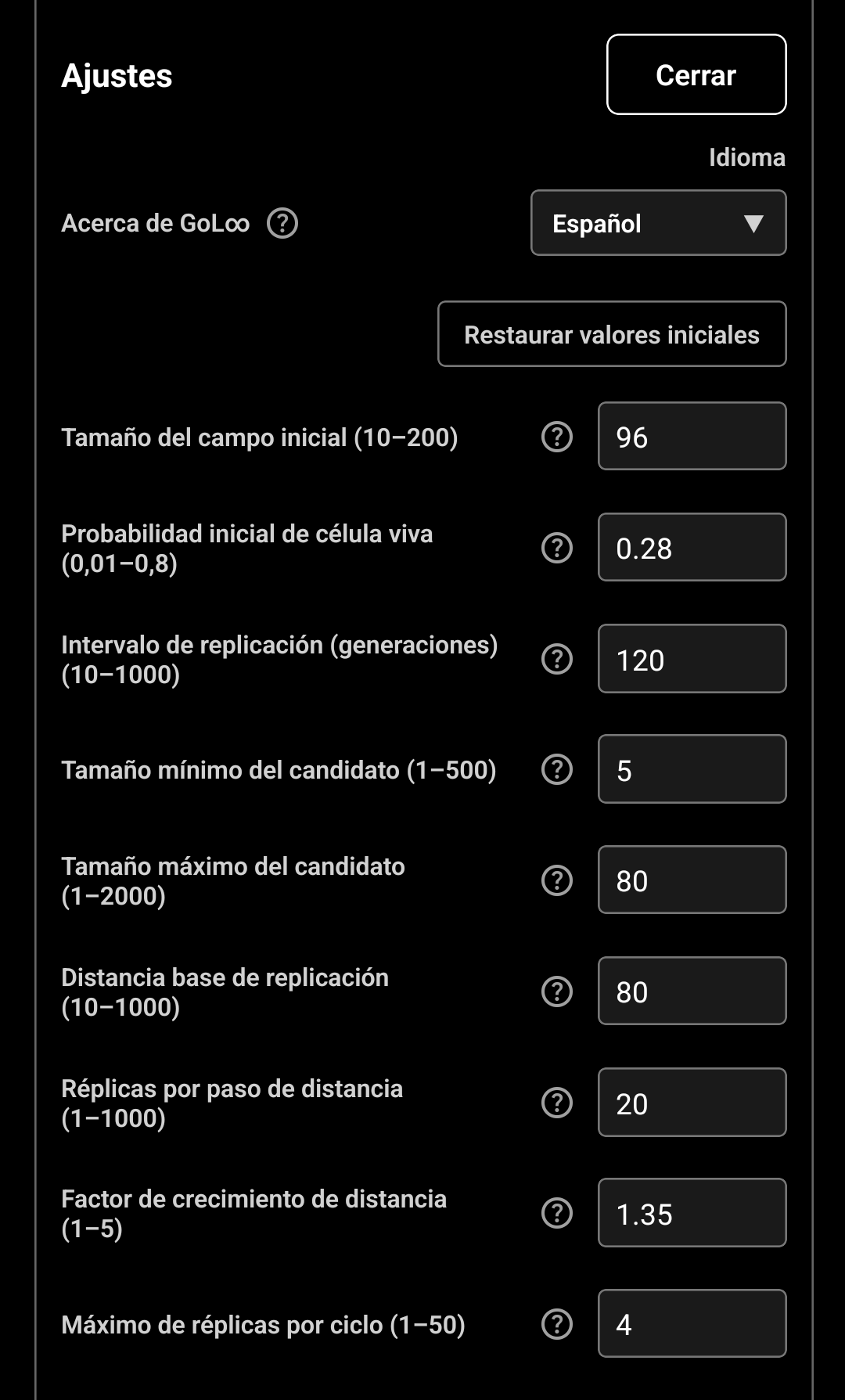
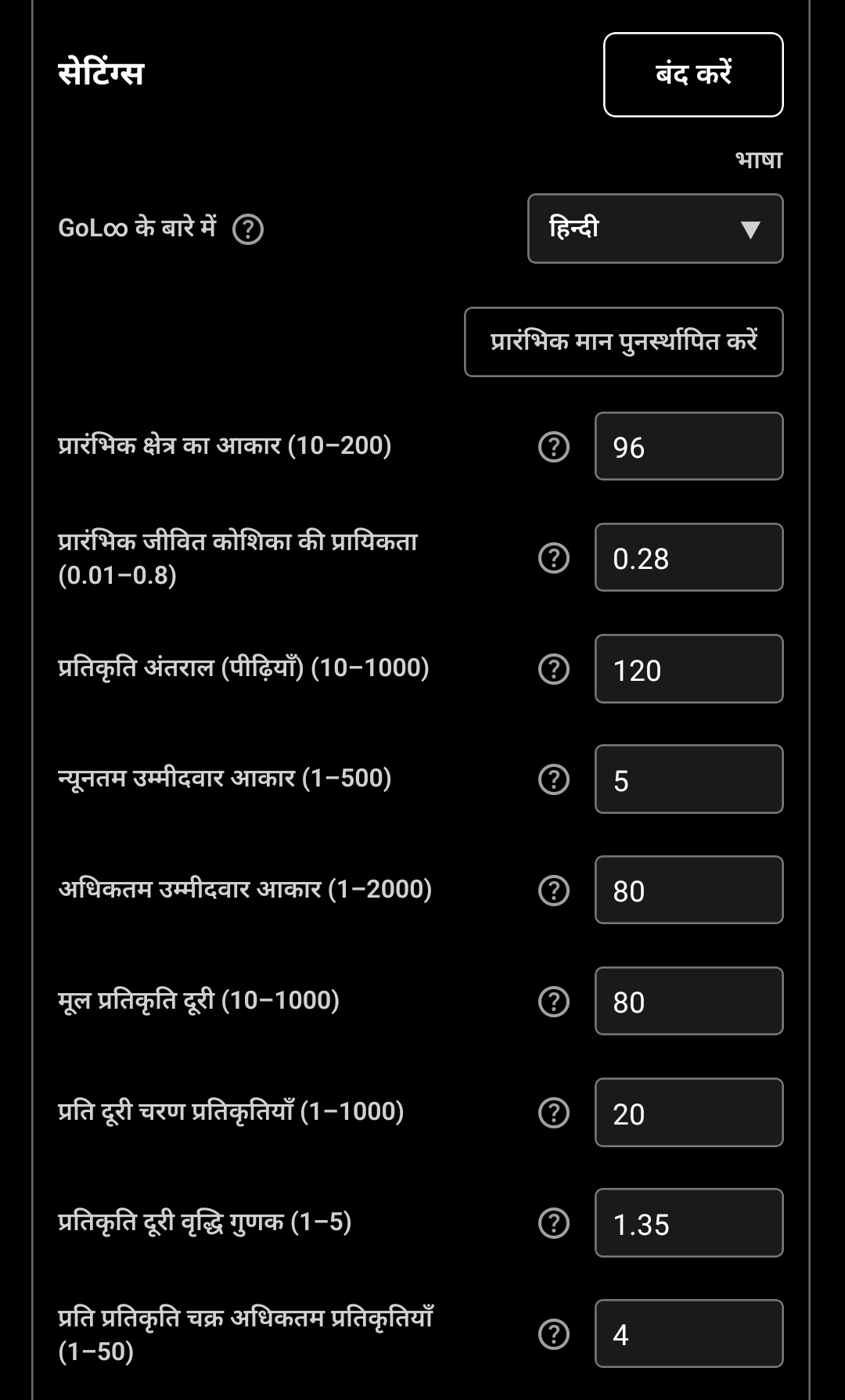
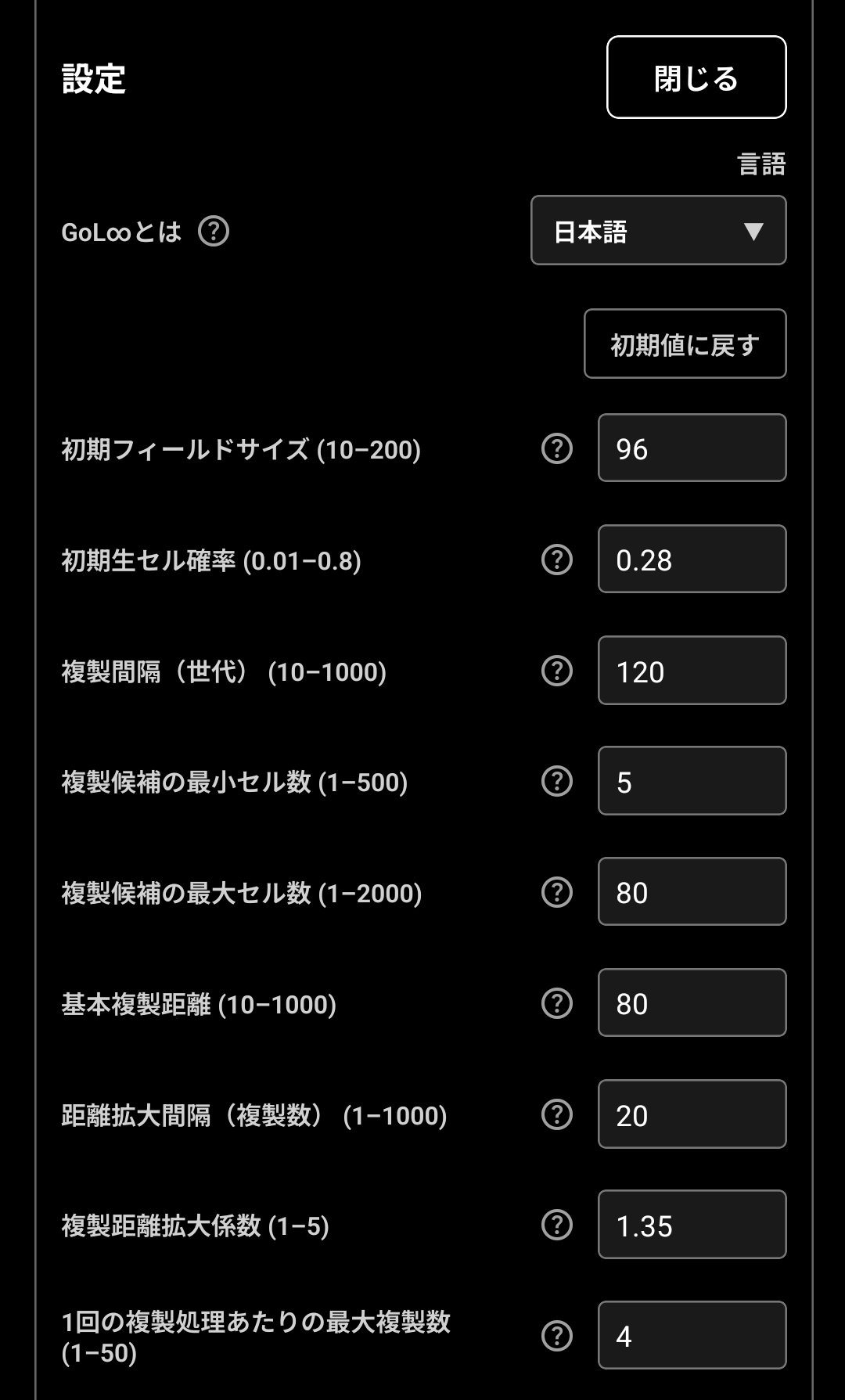
Opens the Settings screen. You can choose the language, configure the initial field and replication behavior, and remove advertisements. Tap Close to save the entered values and return to the simulation. Tap the question-mark button beside an item to read its explanation.
Settings Screen
About GoL∞ (GoL Infinity)
Tap the question mark to view an explanation of the GoL∞ (GoL Infinity) simulation and its unique replication feature.
Language
Selects the language used on the Settings screen and in the information display. The change is applied immediately and retained for the next launch.
Restore Defaults
Restores the nine numeric settings below to their default values. The restored values are saved when you tap Close.
Initial Field Size (10–200; default 96)
Sets the number of cell positions on each side of a newly created field. A value of 96 creates a 96 × 96 starting area. This is not a wall; the simulation may expand beyond it. A change takes effect on the next restart.
Initial Live Cell Probability (0.01–0.8; default 0.28)
Sets the independent probability that each position starts as a live cell. A value of 0.28 means 28%. The actual count is random each time. A change takes effect on the next restart and does not alter the Conway rules used afterward.
Replication Interval (Generations) (10–1000; default 120)
Sets the number of generations between replication checks. A value of 120 checks at generations 120, 240, 360, and so on. A check does not guarantee replication if no suitable source or destination is available.
Minimum Candidate Size (1–500; default 5)
Sets the minimum number of cells in a connected live-cell group that can become a replication candidate. Smaller groups remain in the simulation but are not copied. This value must not exceed Maximum Candidate Size.
Maximum Candidate Size (1–2000; default 80)
Sets the maximum number of cells in a connected live-cell group that can become a replication candidate. Larger groups remain in the simulation but are not copied. This value must not be lower than Minimum Candidate Size.
Base Replication Distance (10–1000; default 80)
Sets the base range used when looking for a destination for a copy. It is measured in logical cells, not screen pixels. The actual displacement may be shorter when an available empty area is preferred.
Distance Growth Interval (Replications) (1–1000; default 20)
Sets the cumulative number of successful replicas required before the search distance increases by one step. Failed placement attempts do not count. A smaller value expands the search range sooner.
Replication Distance Growth Factor (1–5; default 1.35)
Sets the multiplier applied to the base distance at each distance-growth step. A value of 1 prevents growth; values greater than 1 expand the search range progressively. This does not change Conway's rules or the cells' natural movement.
Maximum Replications per Replication Cycle (1–50; default 4)
Limits the number of cell groups successfully created during one replication check. Failed placement attempts do not count toward this limit. Safety limits, such as the total live-cell limit, may result in fewer copies than the selected value.
When Settings Take Effect
The entered values are saved when you tap Close. Initial Field Size and Initial Live Cell Probability take effect on the next restart. Replication settings take effect from the next replication check. Out-of-range values, or a minimum candidate size greater than the maximum, are not accepted.
Remove Ads / Restore Purchases
You can remove advertisements with a one-time purchase. If you previously purchased it with the same Google Play account, use Restore Purchases. An internet connection is required to verify purchases.
Privacy Options
Shown where advertising consent choices must be available. Opens the privacy-choice screen for advertising.